14. Workspace settings
Part 14
Workspace settings are not open to everyone. Opening the Settings page as an ordinary member shows one line:
You do not have permission to view settings.
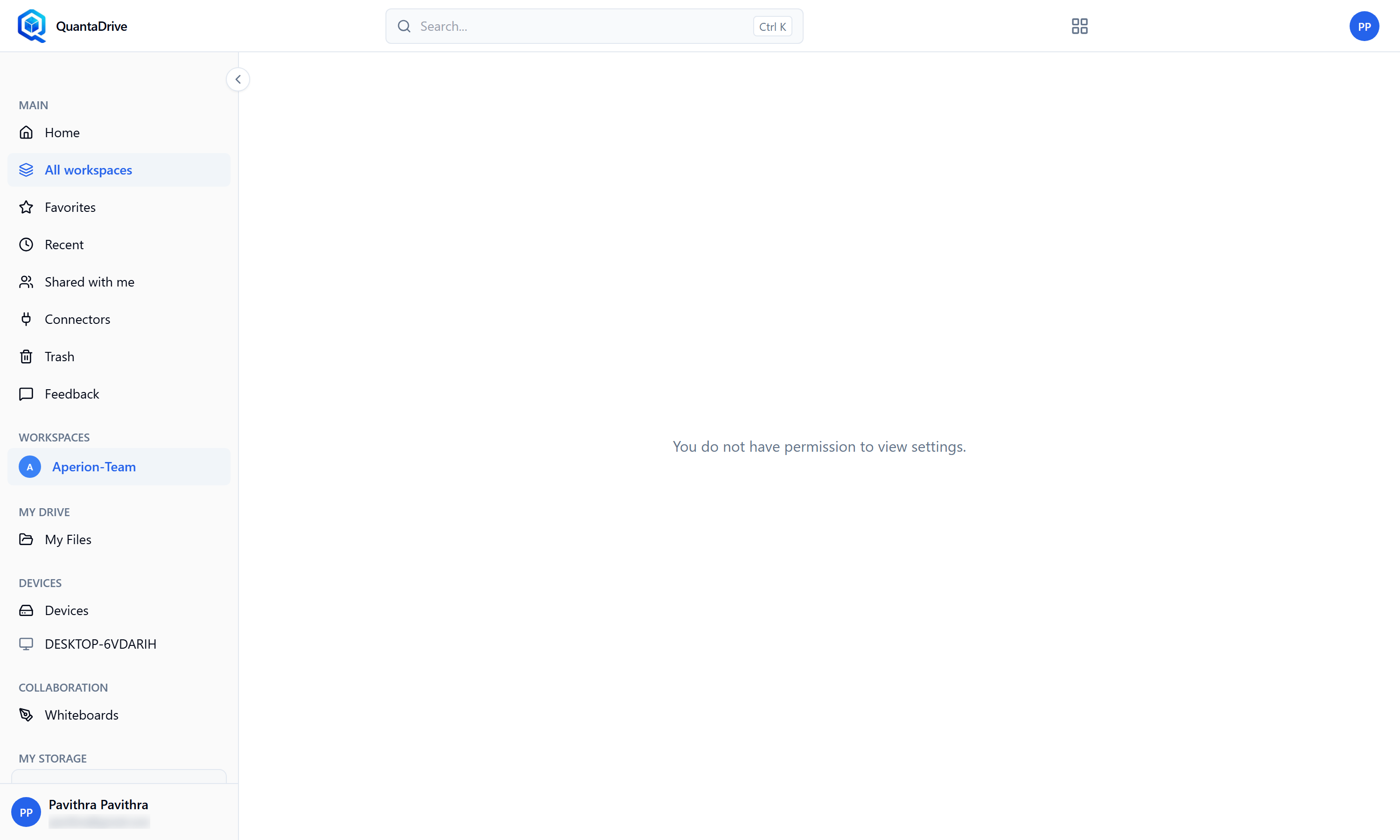
What the Settings page shows unless you are the workspace Owner.
Only the workspace Owner — and your administrator — can open it. That is where the name, the storage allowance, how many versions of each file are kept, and the archive and delete controls live.
14.1. What to ask for, and who to ask
If something on this list needs changing, ask the workspace Owner. The workspace card on the Workspaces page names them, and the Members tab shows an Owner badge beside them.
- The workspace is running out of space
Ask the Owner to raise the storage allowance, or to empty the workspace Trash — space is only returned once items are deleted permanently (Part 09).
- You need an older version of a file kept longer
The number of versions kept is a workspace setting. Ask the Owner to raise it before the version you care about drops off.
- The workspace name is wrong or confusing
Only the Owner can rename it.
- The team has finished with the workspace
Ask the Owner to archive it. Archiving keeps the files but takes the workspace out of everyday view, and it can be undone.
Your role decides what you can do inside it
Not being able to open Settings is separate from what you can do with the files. Editor can upload and change files, Viewer can only read them. Part 10.3 lists this in full.