7. My Files — your private area
Part 07
My Files behaves exactly like a workspace but has no member list. Nothing in it is visible to anyone else. To let a colleague work on something, put it in a workspace instead.
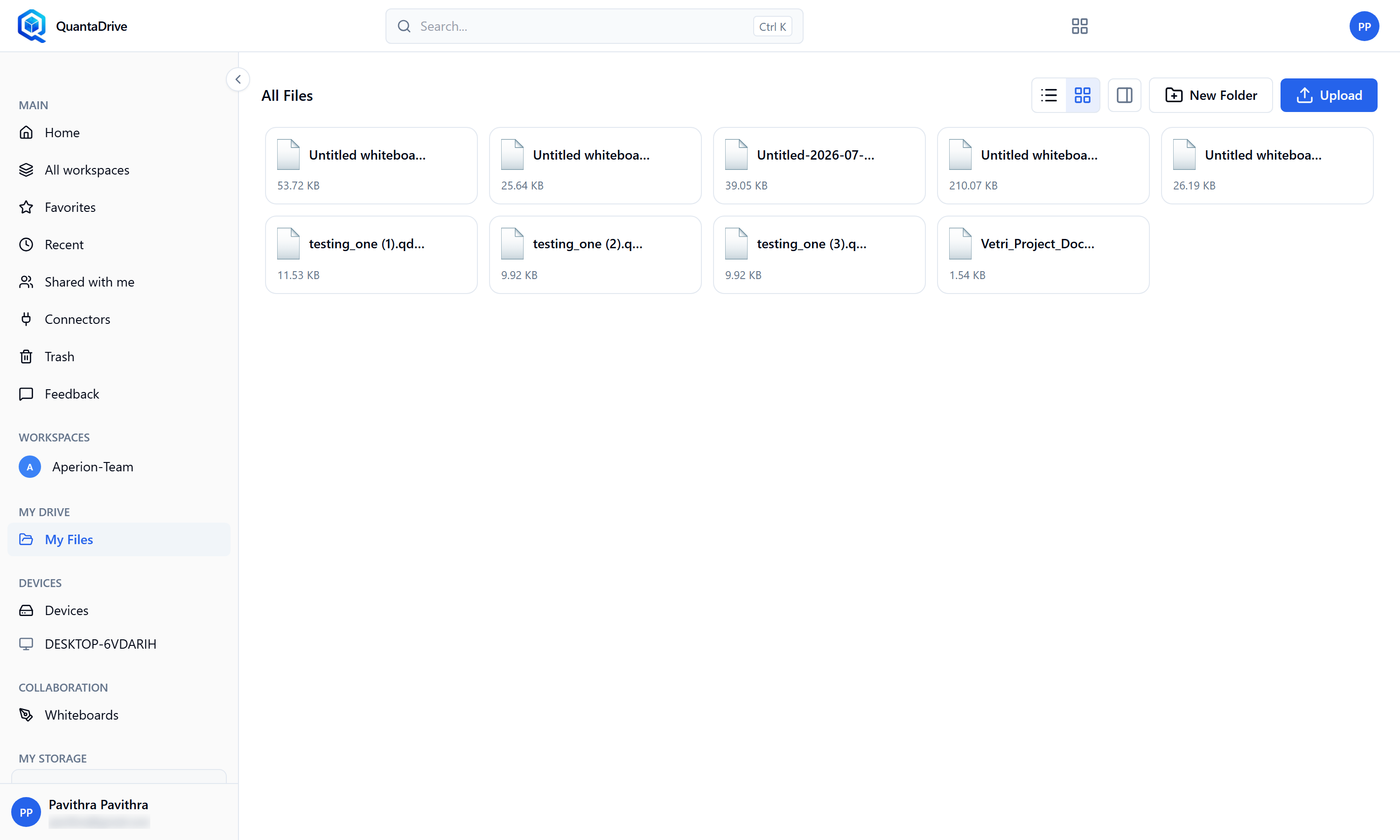
My Files in the sidebar opens a page headed All Files. It works like a workspace but has no member list.
Open it from My Files in the sidebar. Everything in Parts 05 and 06 applies: upload, drag-and-drop, folders, rename, star, copy, move, versions, preview and delete. Folders you open appear in the address as you go, so you can bookmark a folder deep inside.
When to use which
Put work only you need in My Files. Put anything a colleague might need, now or later, in a workspace — that way access survives you being away, and the file does not have to be re-shared one person at a time.