8. Finding things
Part 08
Four sidebar views cut across every workspace at once, so you do not have to remember where something lives.
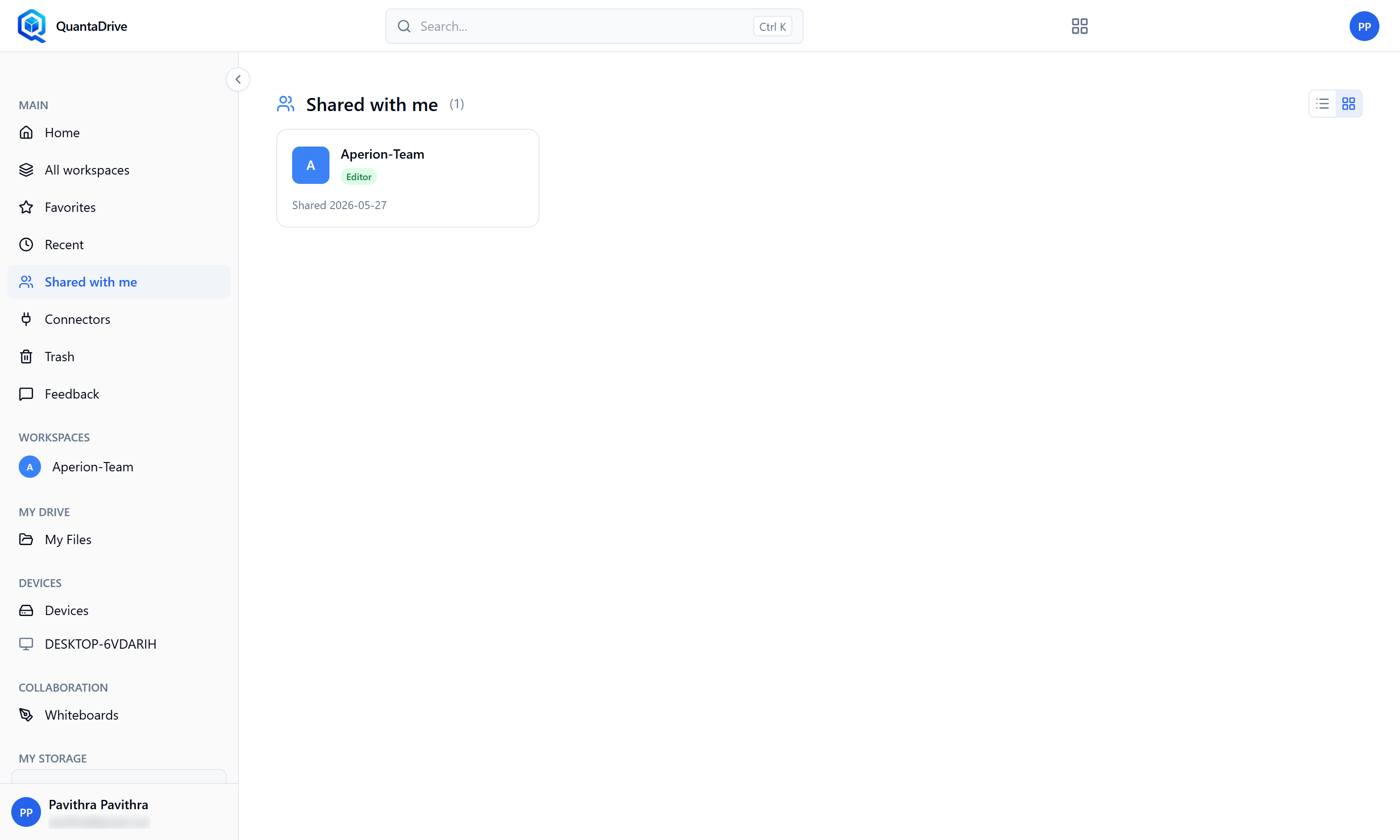
Shared with me — workspaces other people have given you access to.
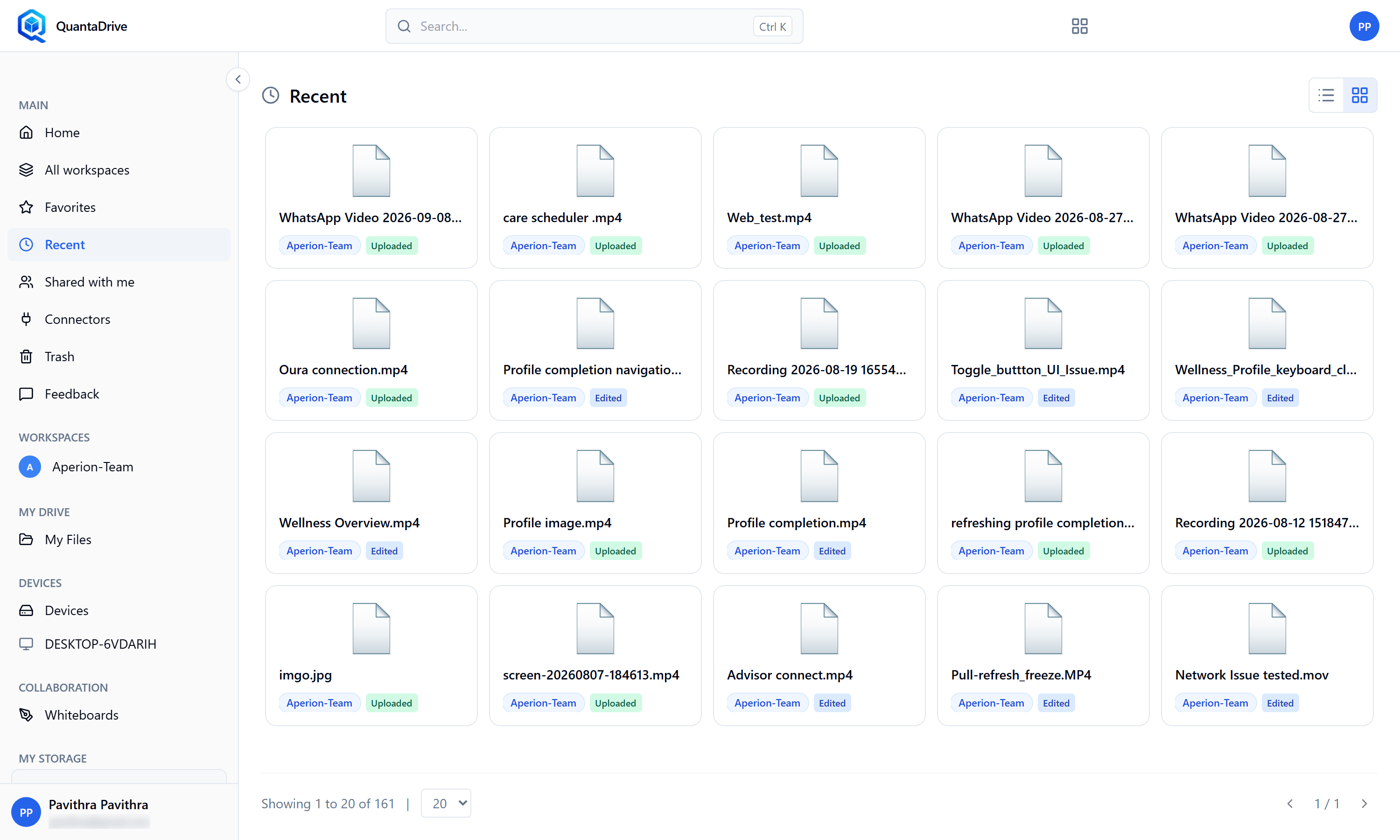
Recent — the files you touched most recently.
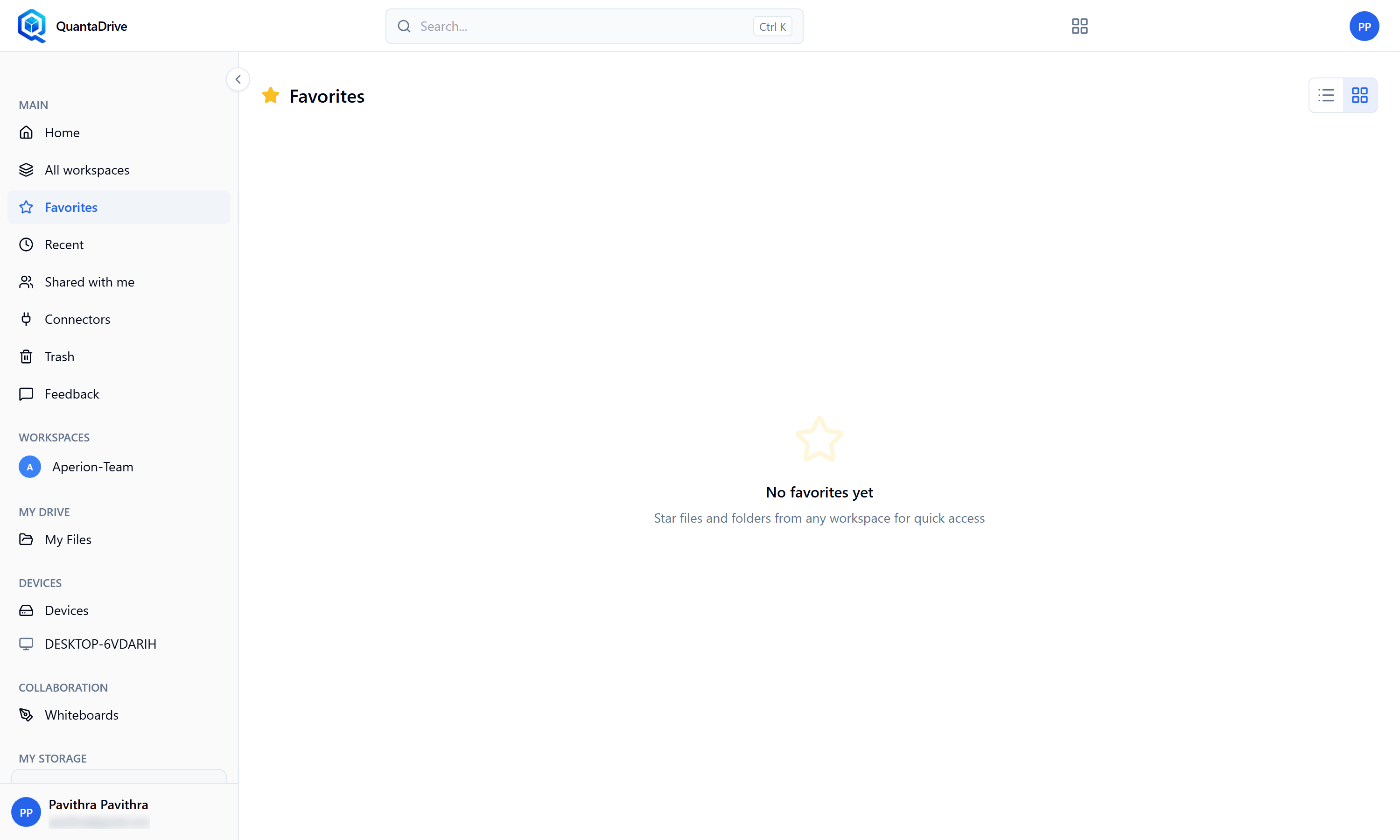
Favorites — everything you have starred, gathered from every workspace.
- Favorites (
/drive/starred) Everything you have starred, files and folders, from every workspace and from My Files.
- Recent (
/drive/recent) Files you touched most recently, newest first. The fastest route back to yesterday’s work.
- Shared with me (
/drive/shared) Workspaces other people have given you access to. Empty, it reads Nothing shared with you yet.
- Trash (
/drive/trash) Everything deleted, waiting to be restored or removed for good. Part 09.
8.1. Searching
The Search… box in the top bar filters the list you are on — the current
folder, the workspace list, the whiteboard list. It is a filter on what is in
front of you, not a search of the entire system, so go to the right area
first, then search. Clear the box to see everything again.
In a folder with no match you will see Try another search; in an empty folder, Upload files or create a folder to get started.